Interactive streaming playerSoundsuit Player Interactive
Manage centrally. Let the room adjust.
What it is
Central music. Local hands.
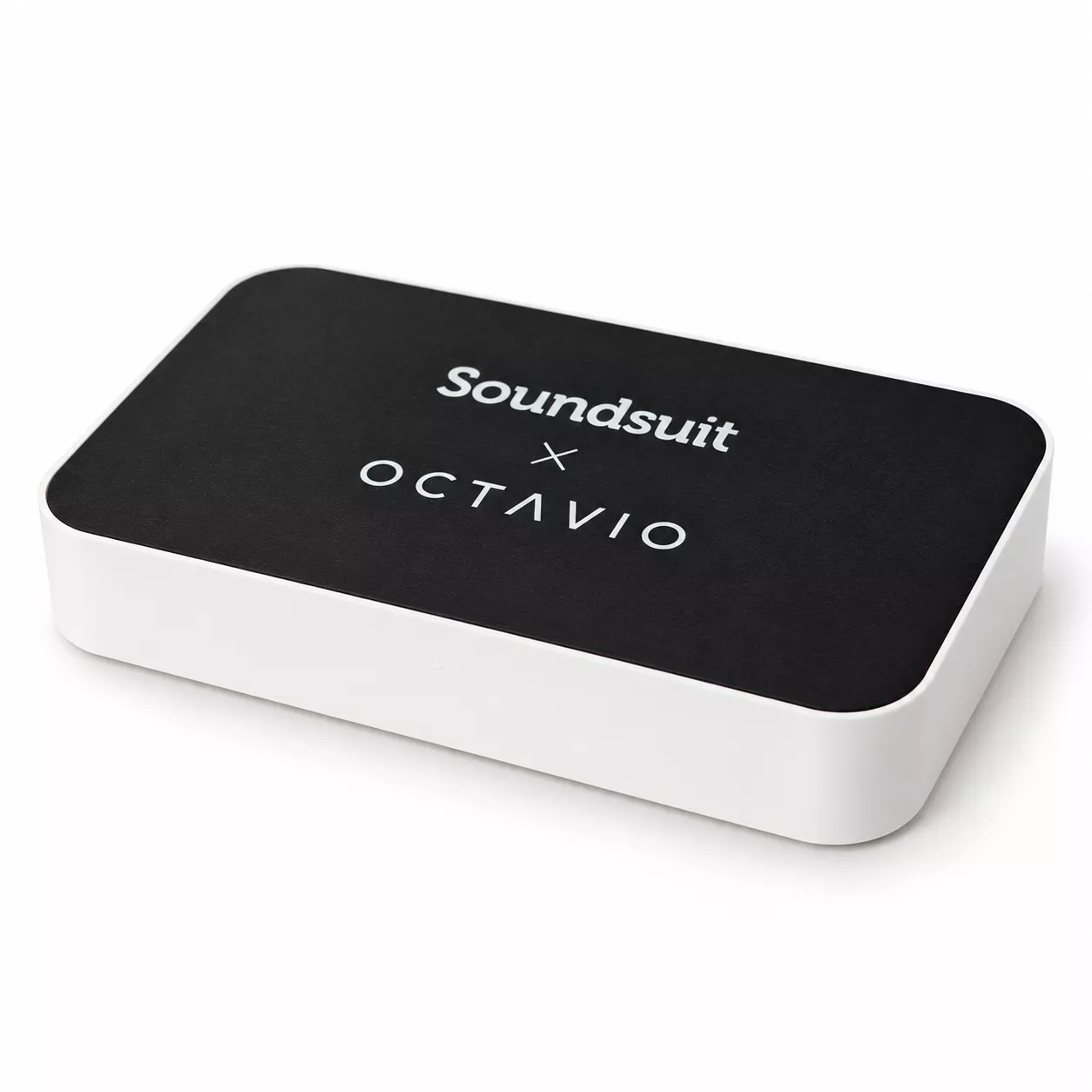
A dedicated player, built with IOT Symphony SAS (Octavio), that plays Soundsuit and nothing else. Head office sets the stations and schedules; the venue team shifts the music when the room changes.
Local control
Two ways to change the room.
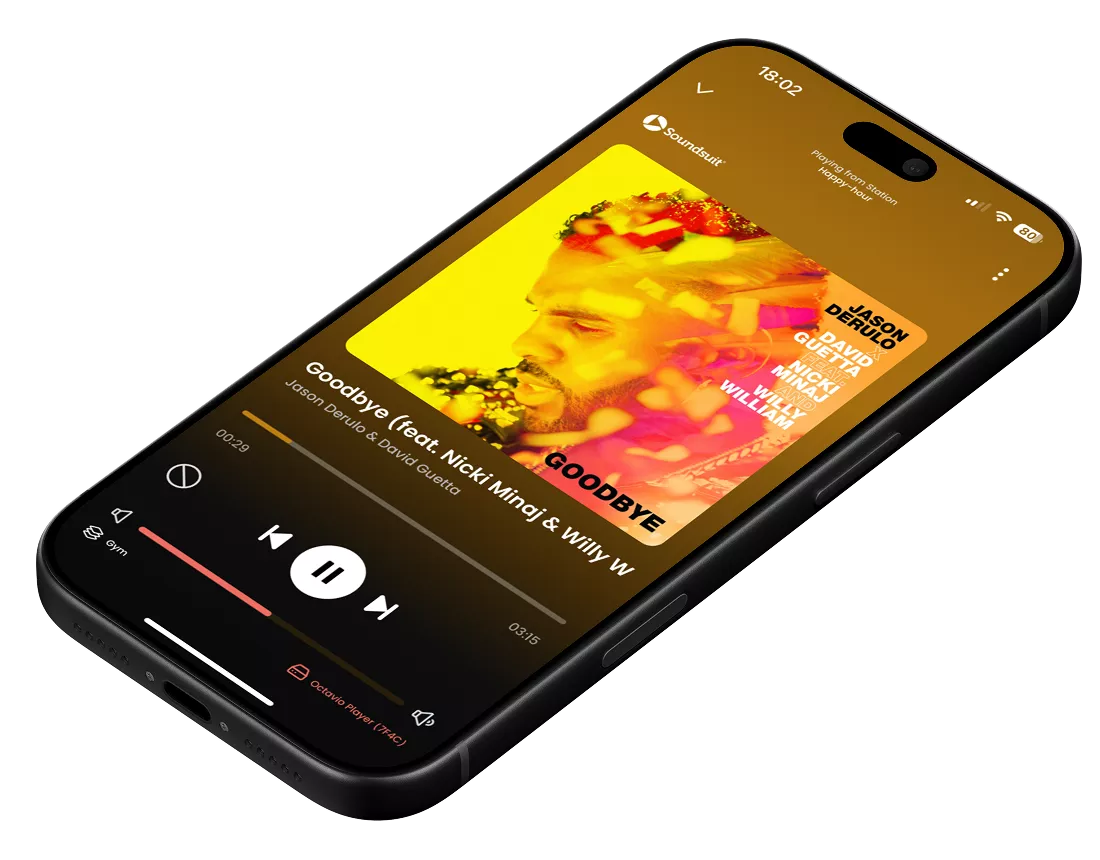
The Soundsuit app
Stations, playlists, volume, play, pause and skip, and multi-zone — from the same Soundsuit app the rest of your business uses.
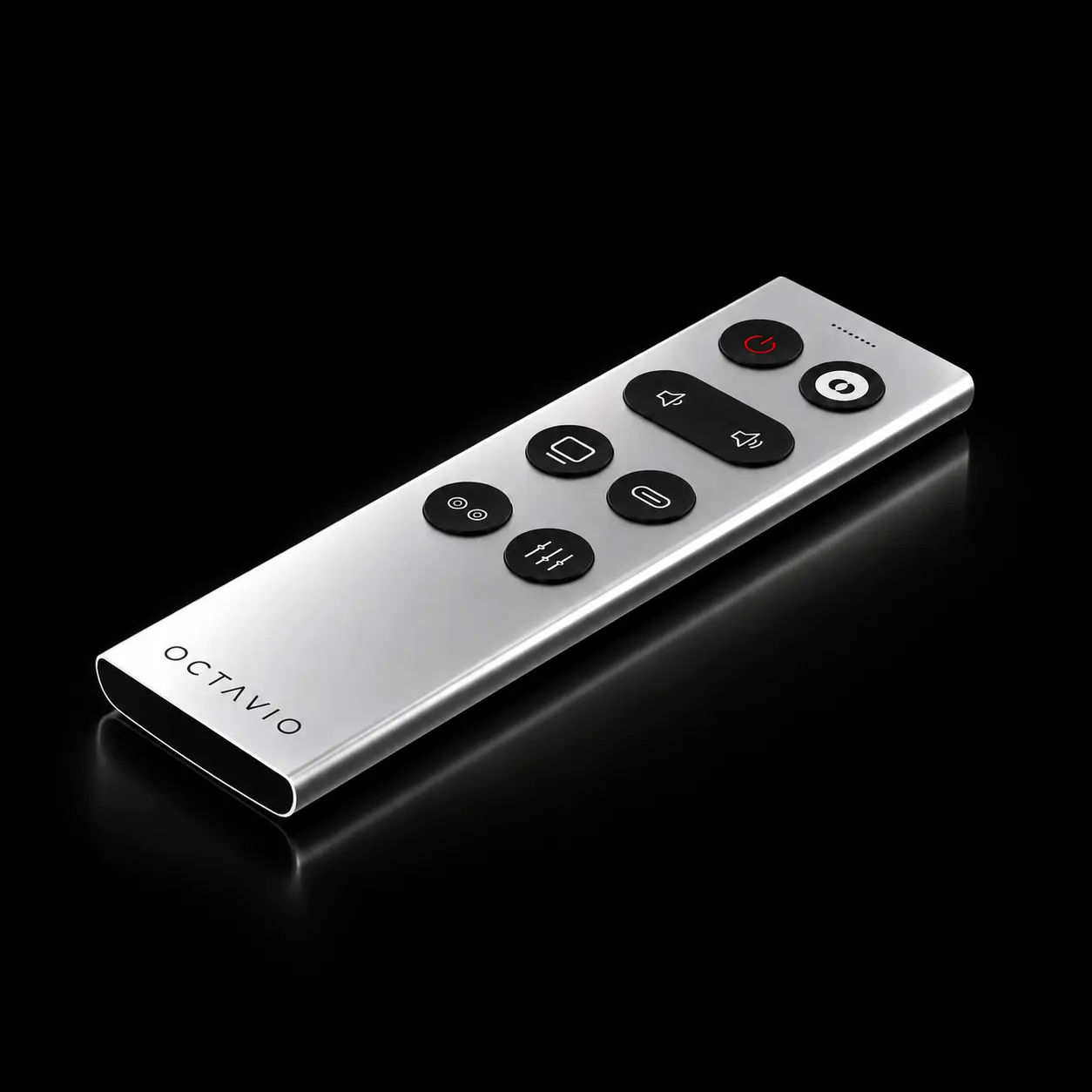
The Octavio Remote
Mid-service, your staff rarely have a phone in hand. The remote puts volume, pause and skip on physical buttons — no phone to unlock, no app to open. It's the control that gets used on a busy Saturday.
Add it to your order on Octavio's shop.Setup
About 3 minutes. Two apps, two jobs.
- 1
Install the Soundsuit × Octavio app on an Android phone or tablet at the venue. This app sets the player up — it is not the app you use to run the music. The iPhone and iPad version is coming soon.
- 2
In it, connect the player to the venue's network and sign in with the Soundsuit credentials from your subscription.
- 3
From then on, everything — stations, schedules, playback, volume — happens in the Soundsuit app, remotely or on site. You won't need the setup app again unless the network changes or the player is reset.
 App Store — coming soon
On the device itself
A blank face. One switch at the back.
Nothing on the face — the top is a plain Soundsuit × Octavio panel, with no controls on it. The only physical control is a power switch on the rear edge, which in a typical install faces a wall or the back of a cabinet. Music control happens in the app or on the optional remote, never on the device.
If the power is cut or the switch is knocked, the player resumes playback on its own.
When power returns, the music comes back — no app, no intervention. Together with the blank face, that makes the practical difference from the Soundsuit Player Managed small: choosing local control doesn't mean giving up much to get it.
Network
Wi-Fi first. Wired when you need it.
Wi-Fi
Connects to your venue's Wi-Fi during setup.
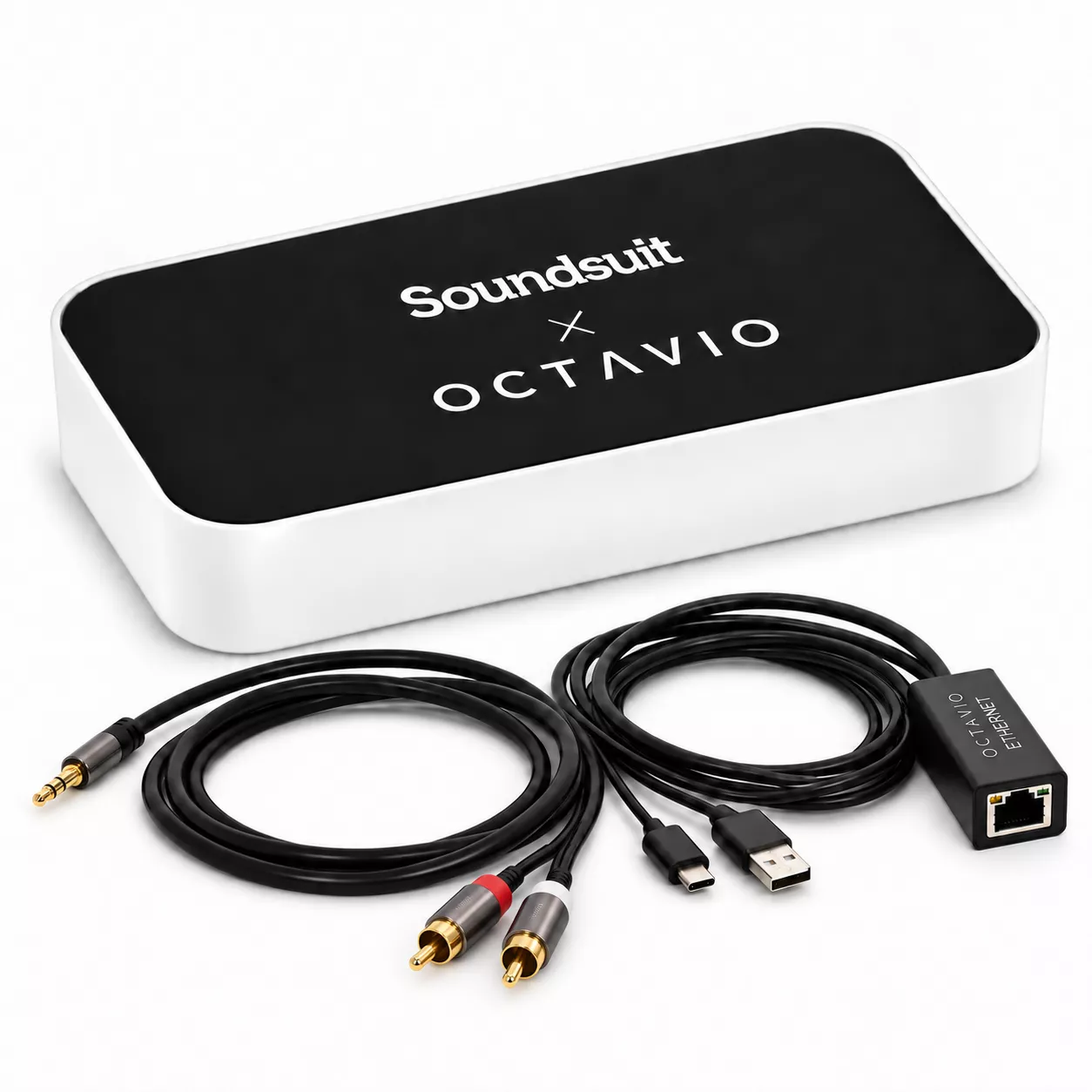
Wired, with the included adapter
The included adapter plugs into the player's USB-C port and carries both power and the network connection (100 Mbit/s). Connect it to your router or switch with a standard Ethernet cable (Cat 5e or Cat 6), long enough to reach the player — bring your own, it isn't in the box.
Offline playback is up to 2 hours.
If the internet drops, the player keeps going for up to 2 hours. Where the connection is unreliable, run it wired with the included adapter. And if uptime matters more than local control, choose the Soundsuit Player Managed instead — it keeps playing for up to 3 days.
See the Soundsuit Player ManagedFor IT
Firewall requirements.
The player makes outbound connections only. No inbound connection from the internet is required.
| Function | Domain | Traffic | Port |
|---|---|---|---|
| Firmware update | virtuose.octavio.pro | HTTP → HTTPS | 80 → 443 |
| Monitoring | mqtt.octavio.pro | MQTT over TLS | 8883 |
| Monitoring fallback, if 8883 is filtered | fleet.octavio.pro | HTTPS | 443 |
| Enrolment and agent updates | fleet.octavio.pro | HTTPS | 443 |
| Playlists | api.soundsuit.fm | HTTPS | 443 |
| Audio files | soundsuitmusic.*.r2.cloudflarestorage.com | HTTPS | 443 |
| DNS | Site resolver (via DHCP) | DNS | 53 |
On the local network: port 80 for the player's web interface, port 8766 for pairing with the setup app. Neither needs to be reachable from the internet.
If port 8883 is blocked by your firewall, as it often is on corporate networks, the player falls back to fleet.octavio.pro on 443 automatically. No change is needed.
The firewall table on the Soundsuit Player Managed page does not apply to this device.
Ordering
Ordered directly from Octavio.
Orders go through Octavio's shop, in English, French or German. Pick your audio cable — RCA, optical or 3.5 mm jack, cable included — add the remote if you want it, and check out.
Choose your audio cable at checkout. One is in the box.
RCA
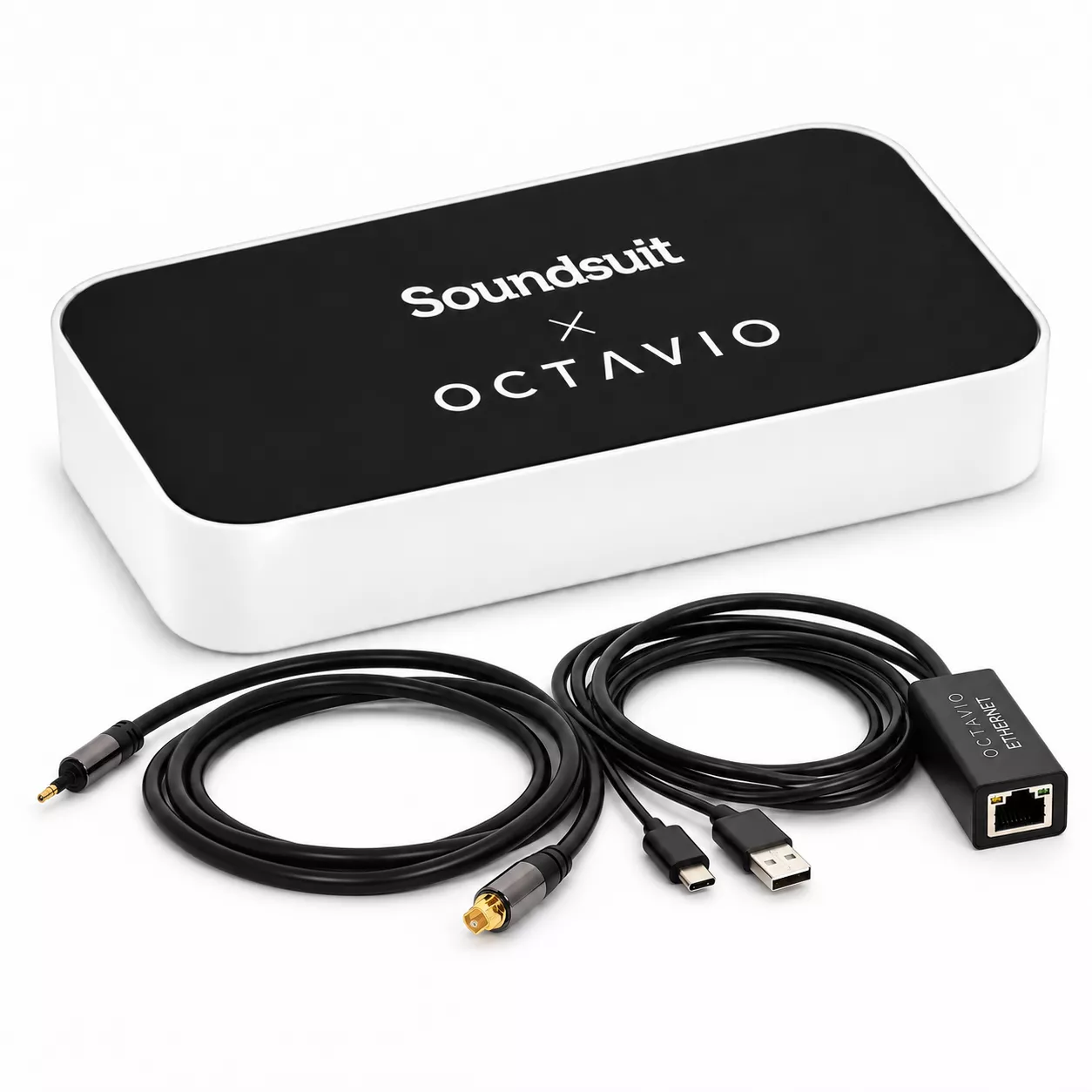
Optical
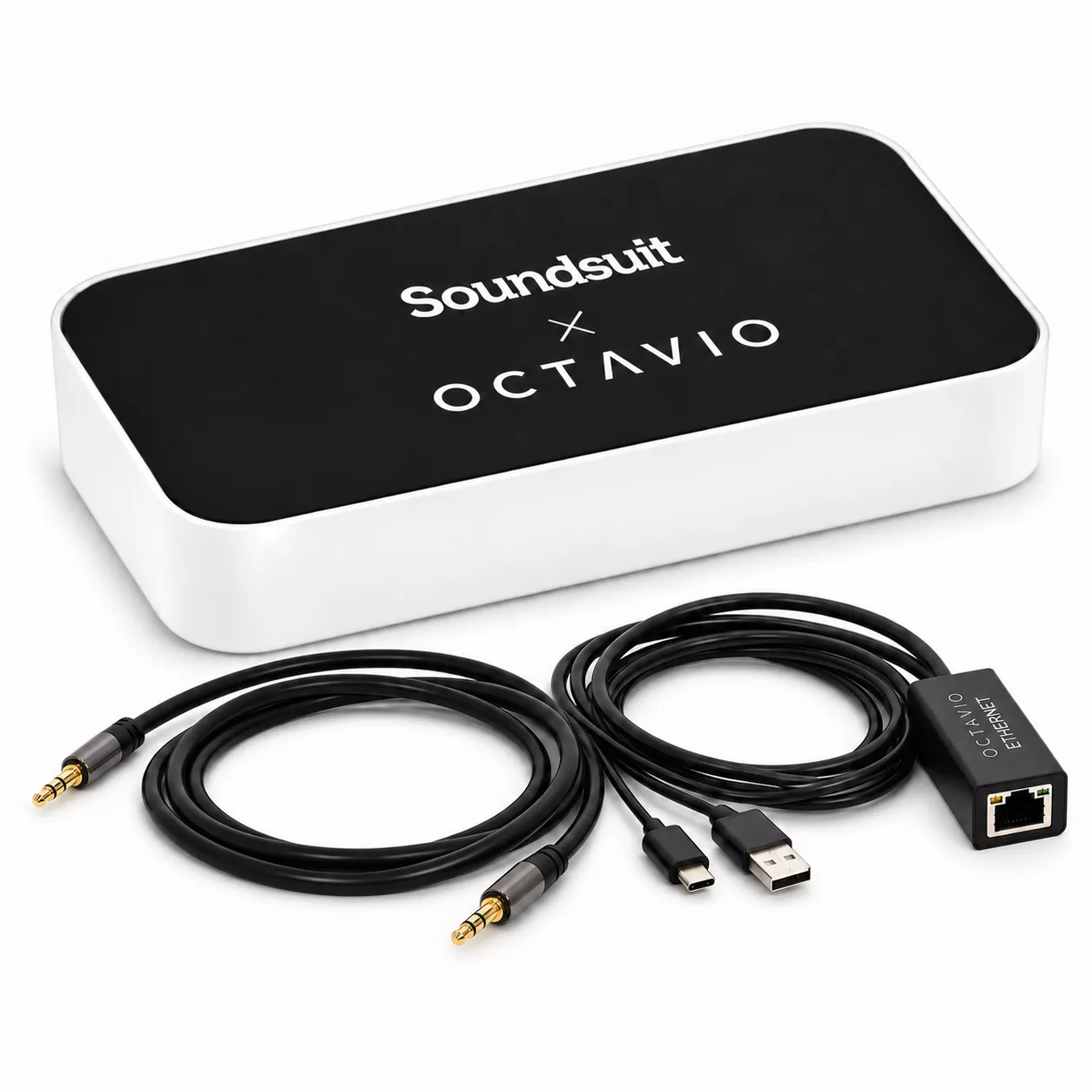
3.5 mm jack
Price
€260EUR netRequires an active Soundsuit subscription.
The shop does not check this. Without a subscription, the player cannot be used.
Sold and shipped by IOT Symphony SAS (Octavio), France.
Octavio invoices you and handles warranty and returns.
Retail Octavio Stream units are not compatible with Soundsuit.
Only the Soundsuit Player Interactive works with Soundsuit. Order through the button below to get the right one.
Warranty and returns: Octavio's terms apply. For a fault or a return, email Octavio first at support@octavio.fr. Octavio's terms of sale
Order from OctavioOpens Octavio's online shop in a new tab
Need the music locked down and running for days without a connection? The Soundsuit Player Managed is built for that.
Not sure which player fits?
Tell us about your locations and we'll help you choose — whether it's one site or several hundred.
Contact sales